
- We can use the plugin Sync with Google Calendar But we need to customize the plugin a bit.
- Create an Contact Form and submit, when the success msg come out, inspect it and get the class.
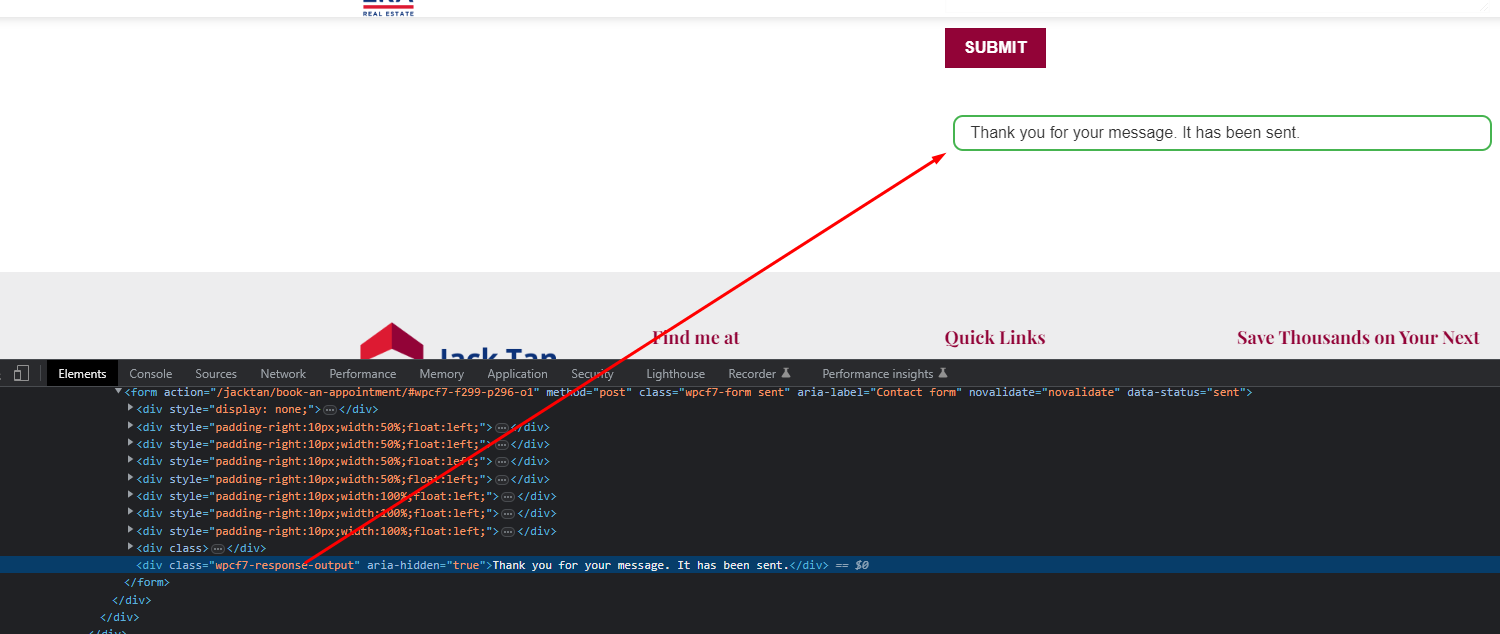
- Download the plugin and unzip it, go to this path :add-to-google-calendar-contact-form-7/frontend/js/scripts.js

change the class to step2 result. Like example: .wpcf7-response-output
The class might change based on the theme, for flatsome normally using this class.
4. Then go and install the plugin, and it will show on the contact form detail you made there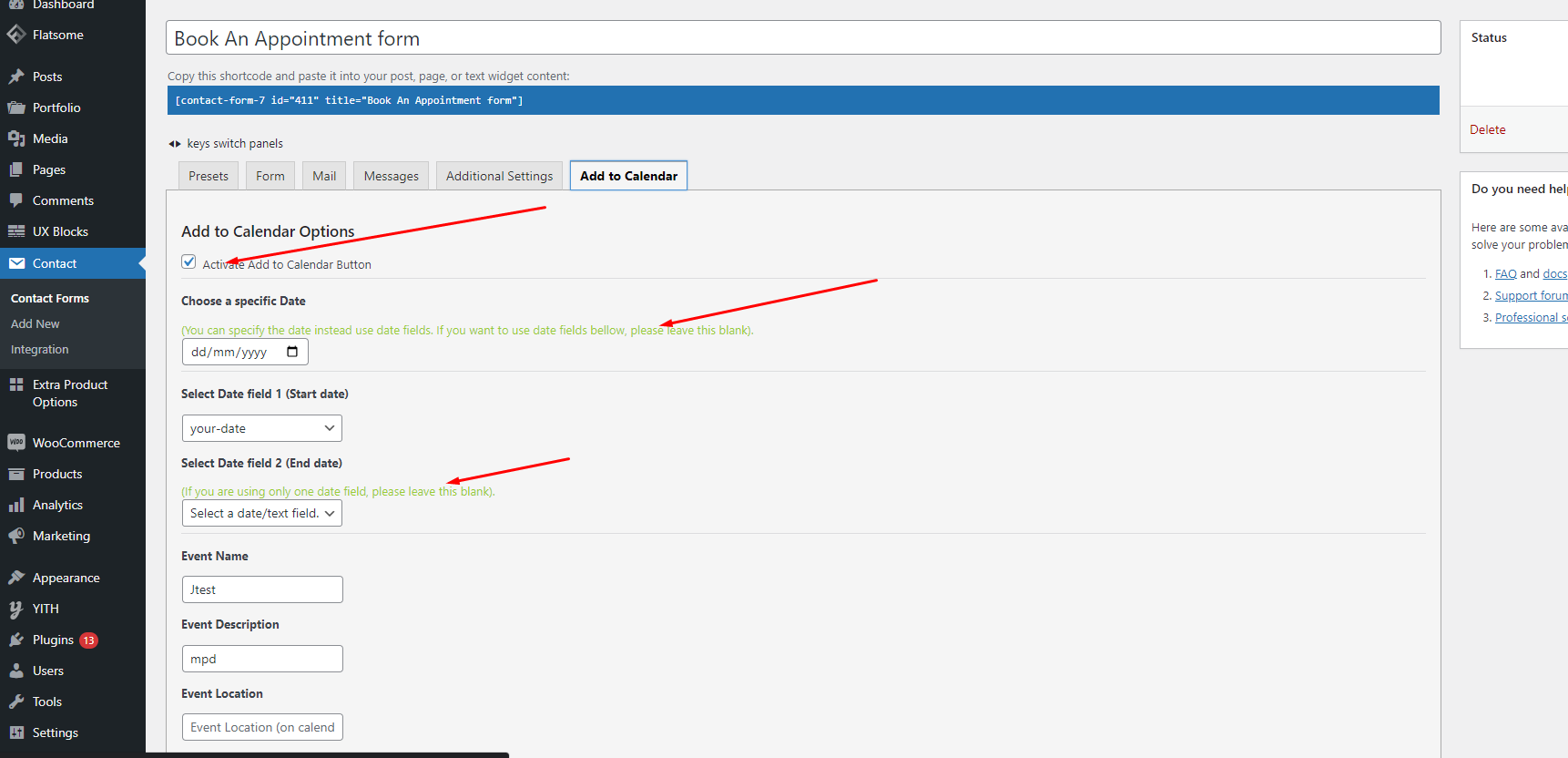
Before you start to do anything, please read a green text and follow to setup, then should be fine.
