

Here’s a guide on how to set up a payment link for stripe.
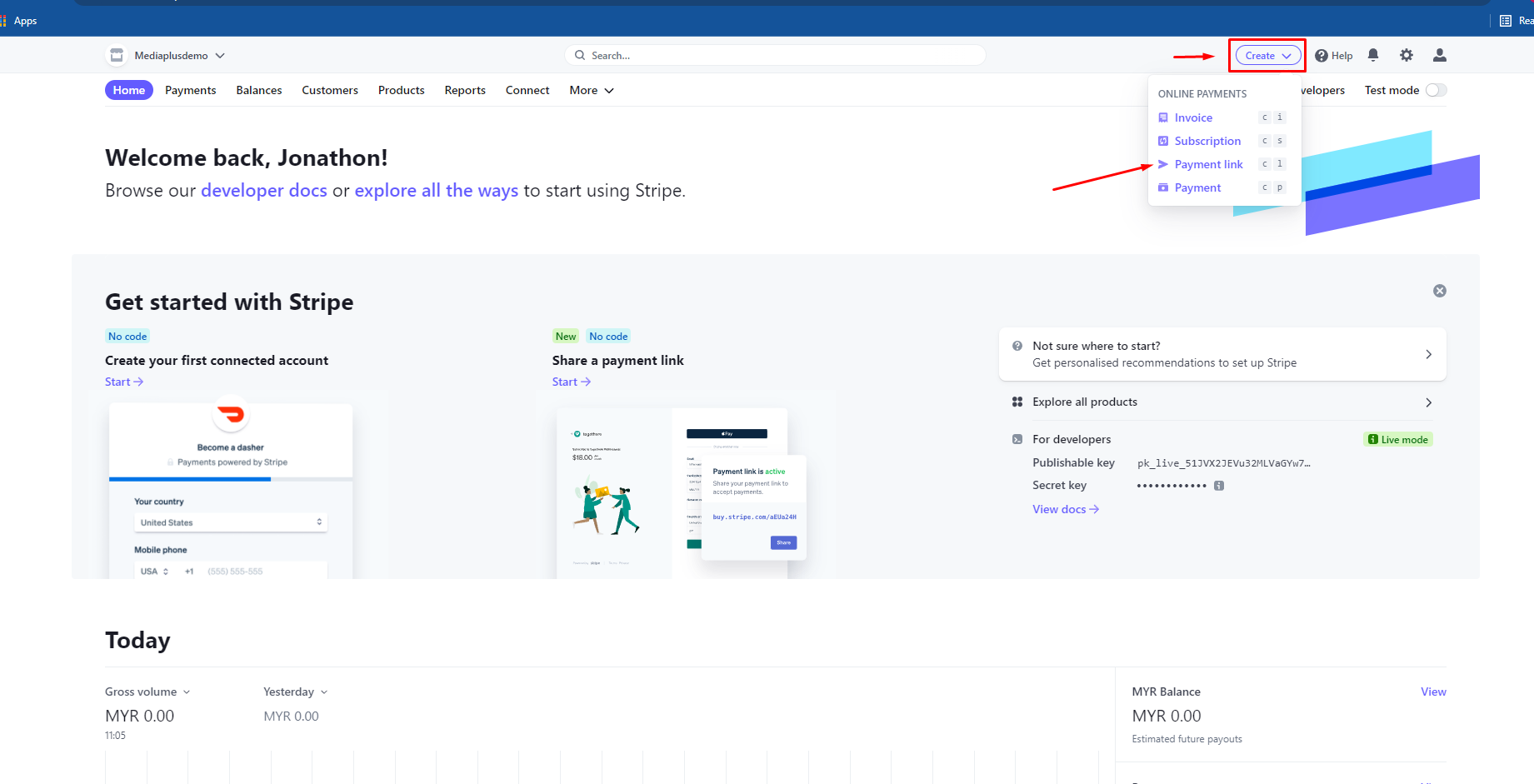
Step 1 – Sign into stripe account
- Click on the create button and select payment link
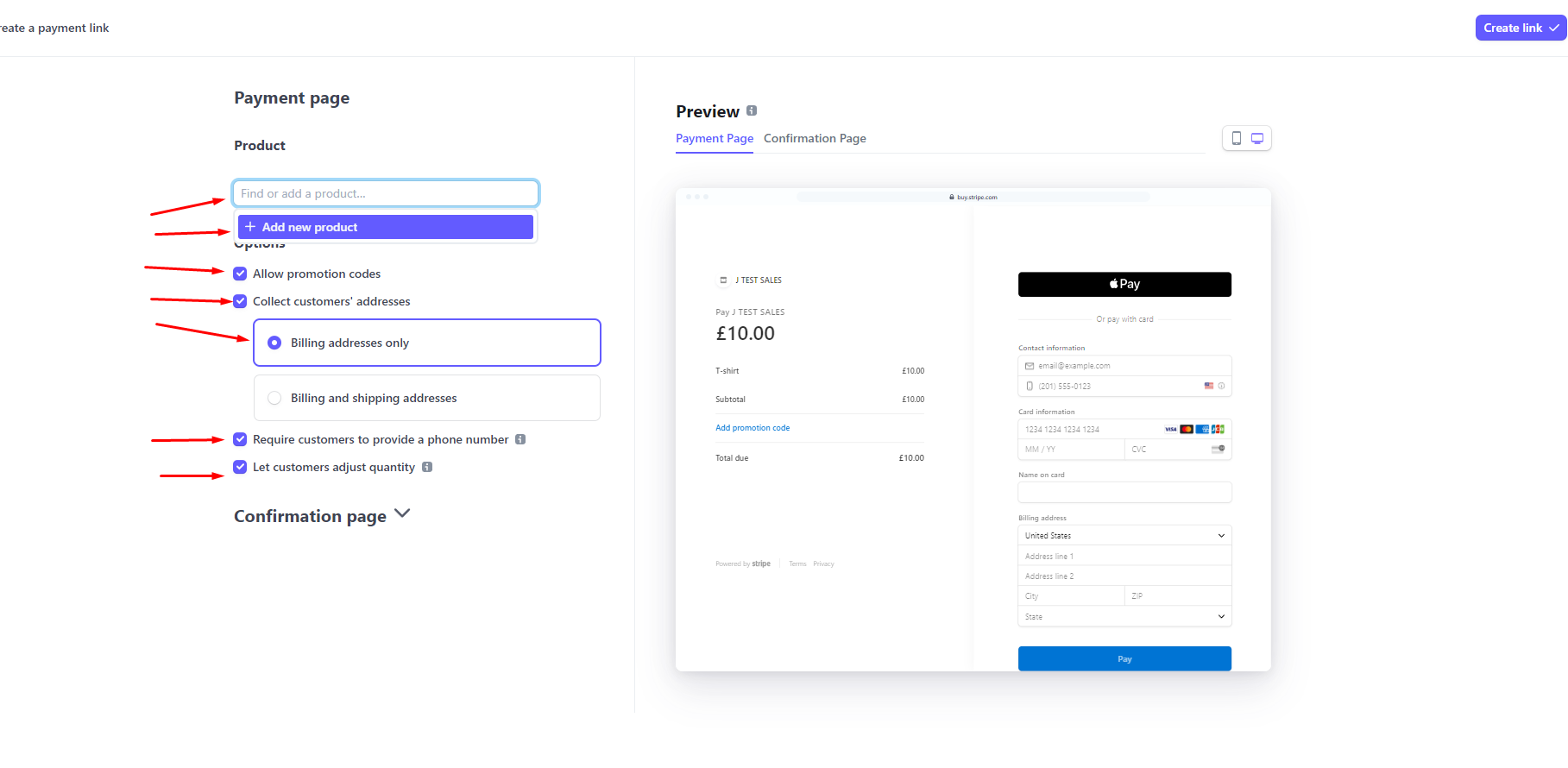
Step 2 – Click “Find or add Product
- You can create a new product/ select any existing product that have been created before.
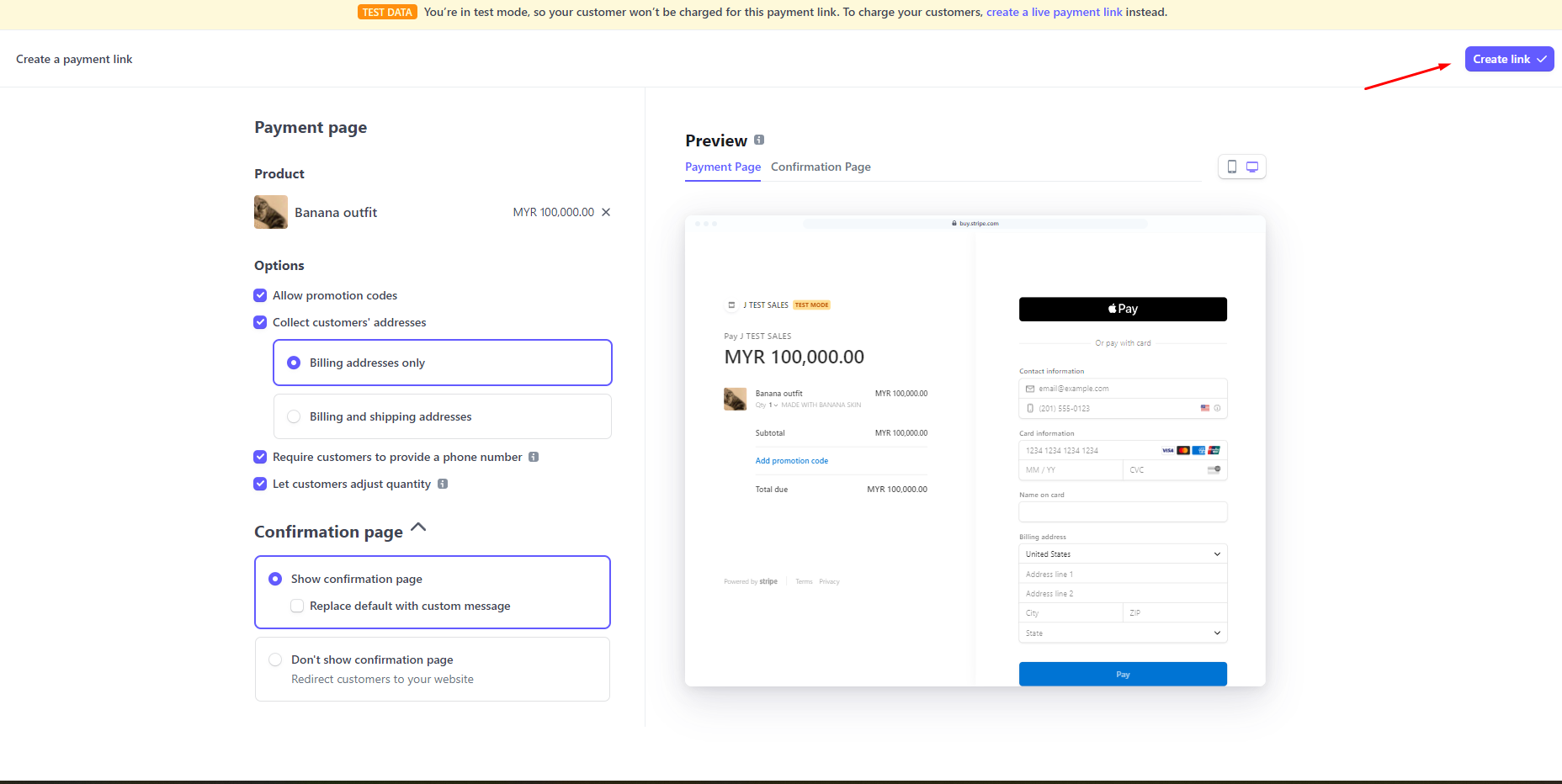
- Checkbox for allow promotion code can be disabled or enabled depends on what the client wants.
- Let client to adjust the quantity so that client can buy more than one of the same product.
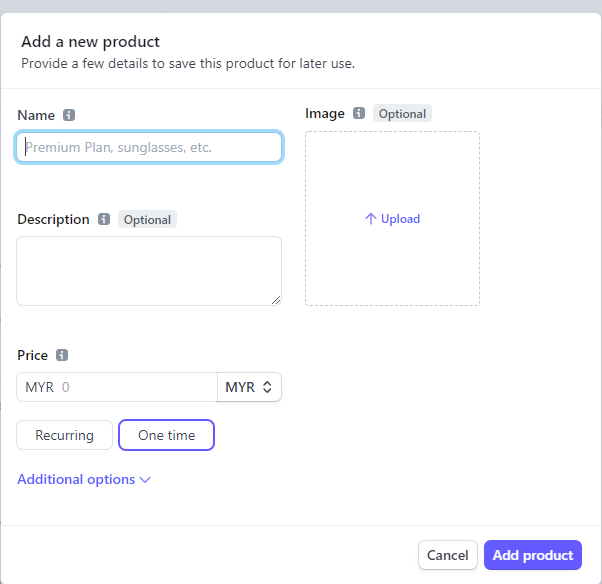
Step 3 – Create product
- Here you can add your product. Once done press “Add product” button.
Step 4 – Create link
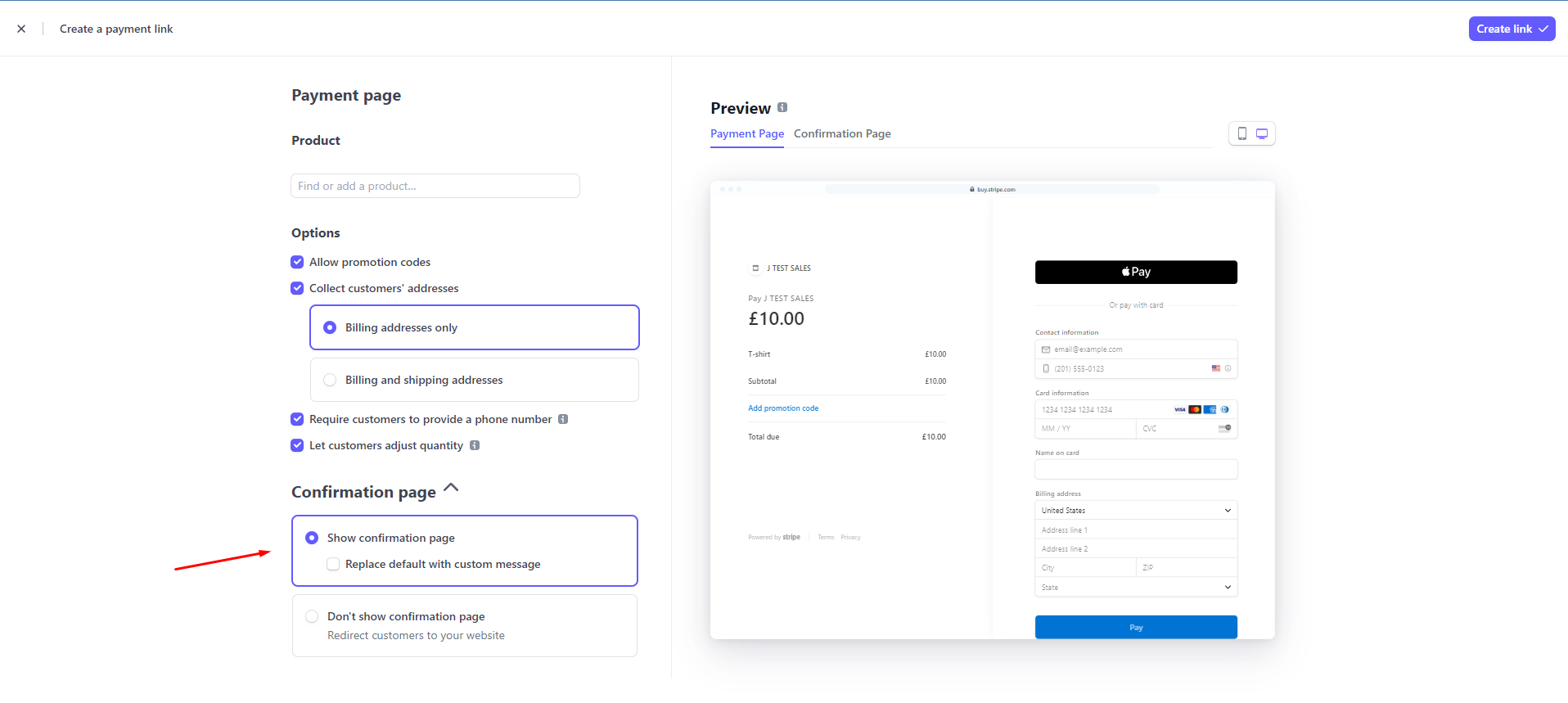
- Once done with all the setting, click create link
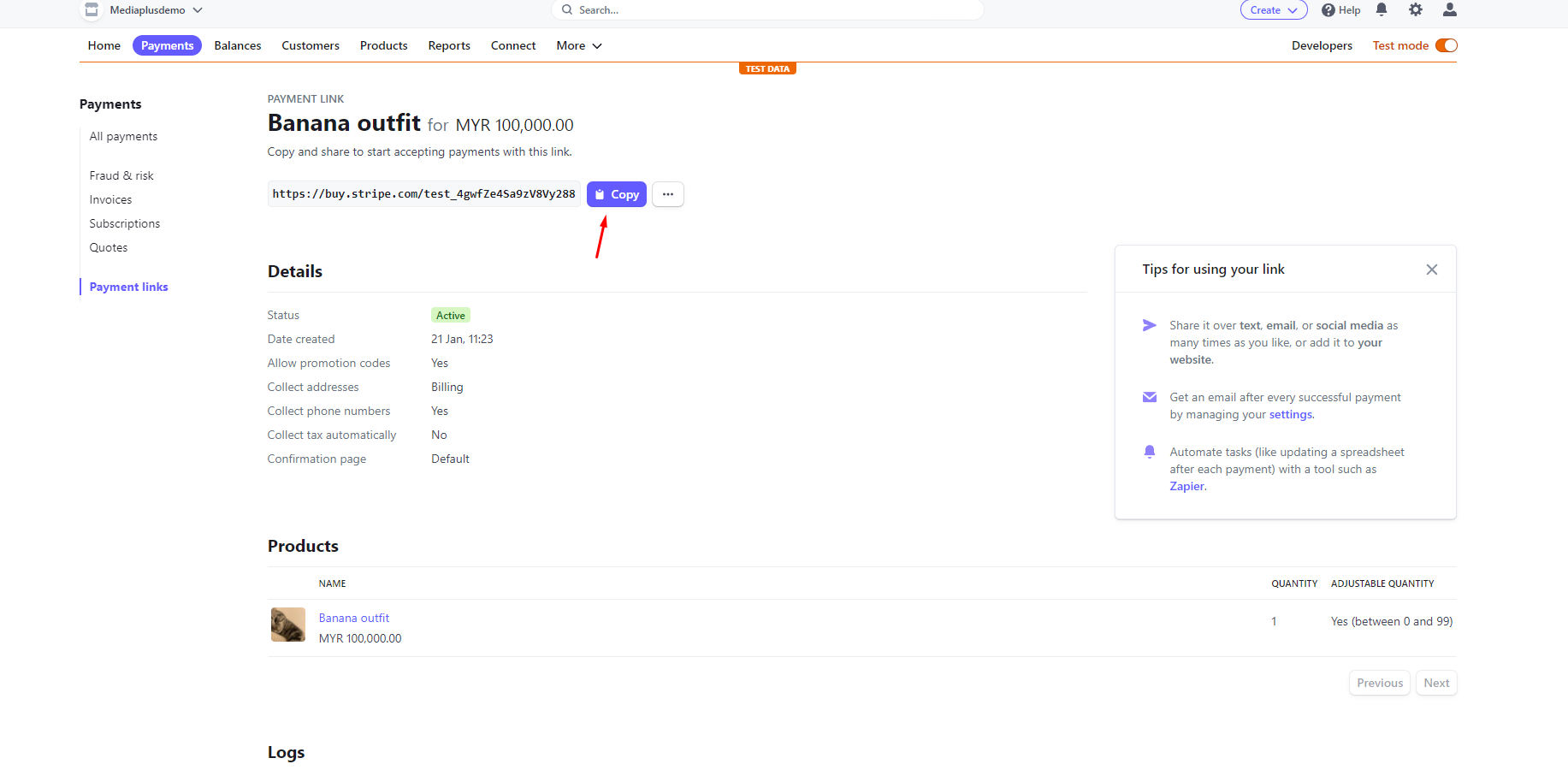
Step 5 – Copy the link
- Now u can copy the link, and send it to anyone~~
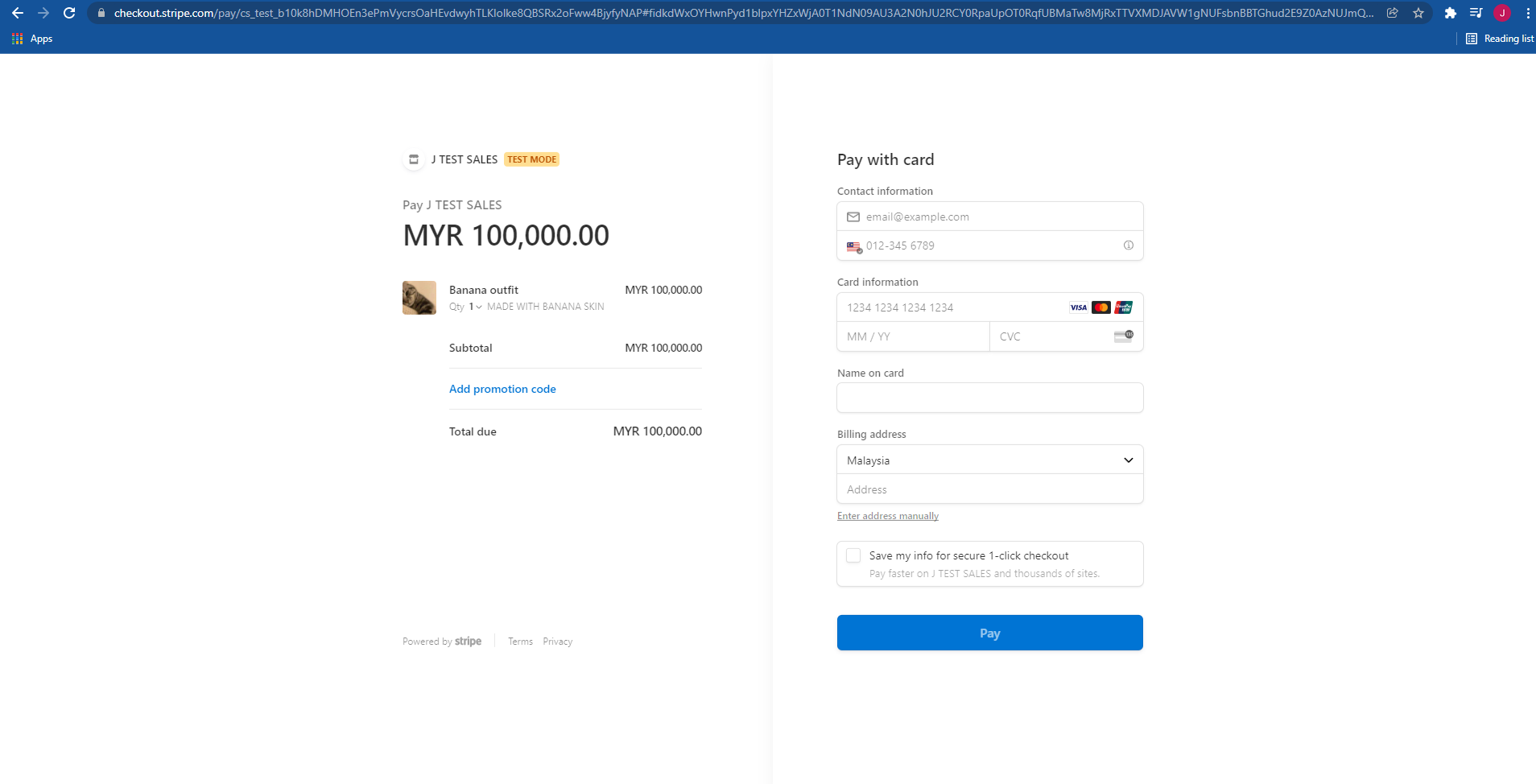
Example
- After inserting the link. We will be redirected to this page so buyer can pay here.
For more information can click the guide video link below :v