

This post is to provide CSS code to make the anchor link content can be shown without being hide from the header
Usually if self-making a content an anchor link like #content, then it will be shown at the very top of the page when trigger the anchor link.
Hence by applying the padding-top & margin-top to the content, you can make it down a little (not being hid from the header)
Step 1:
Adding the following CSS codes into Customizing > Additional CSS (Or under Theme Editor). Adjust the value accordingly to find out the space for header.
padding-top: 50px; /* The value you want */
margin-top: -50px /* Negative value as in padding-top */
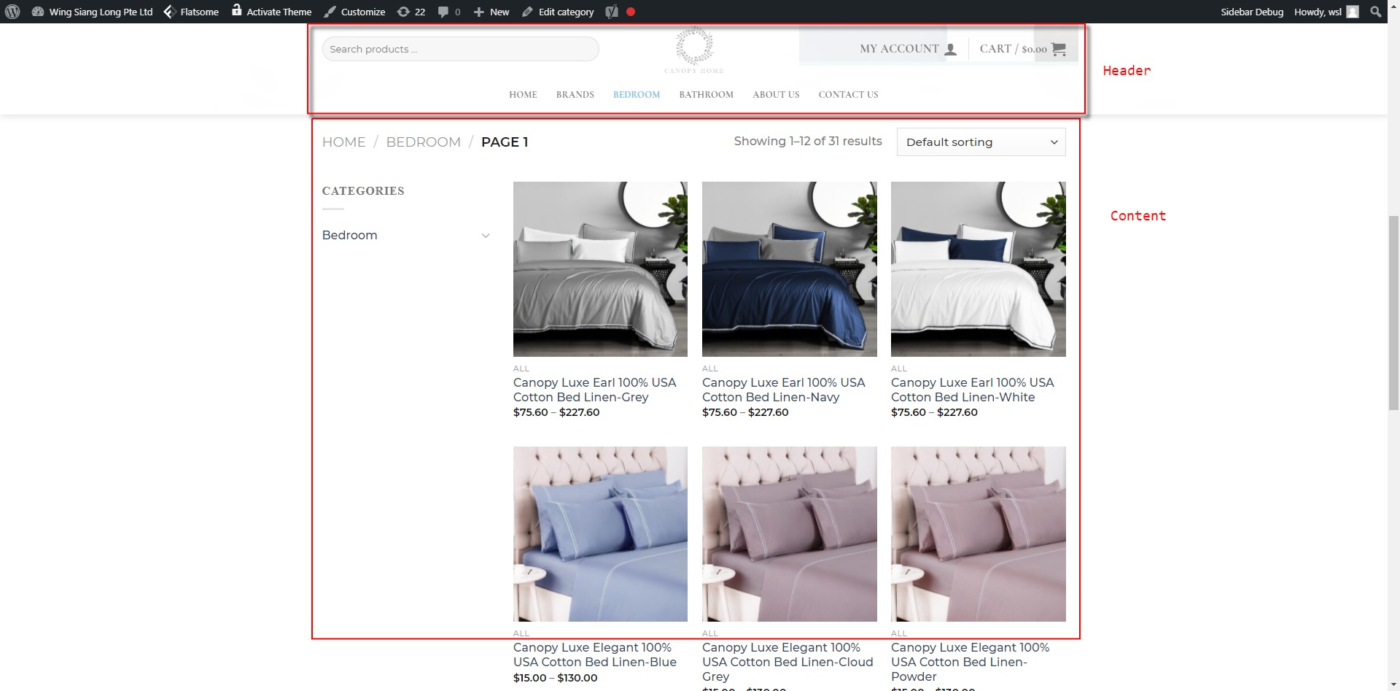
** To note that you can also apply these in UX Builder which using column padding and margin with a Scroll-to element.
Published by: Moses
If there is any other better way please let me know