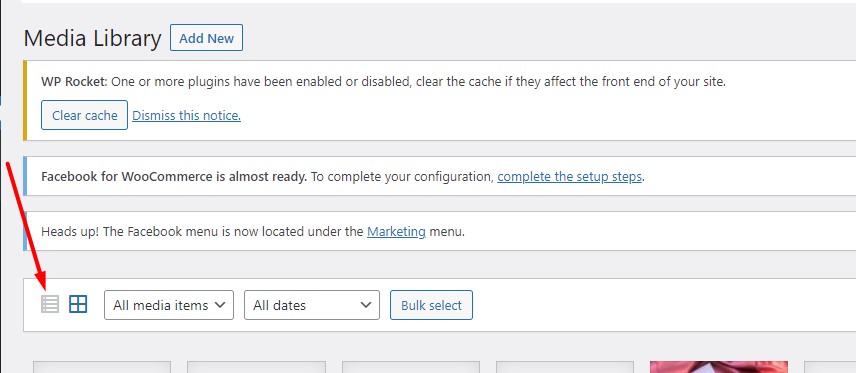
1. First, go to media library and select List View
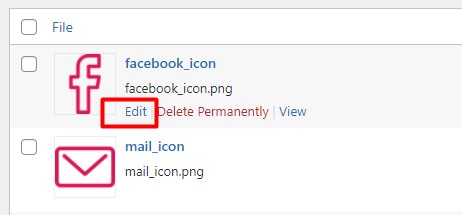
2. Click ‘Edit’ below the image or media file that you want to rename.
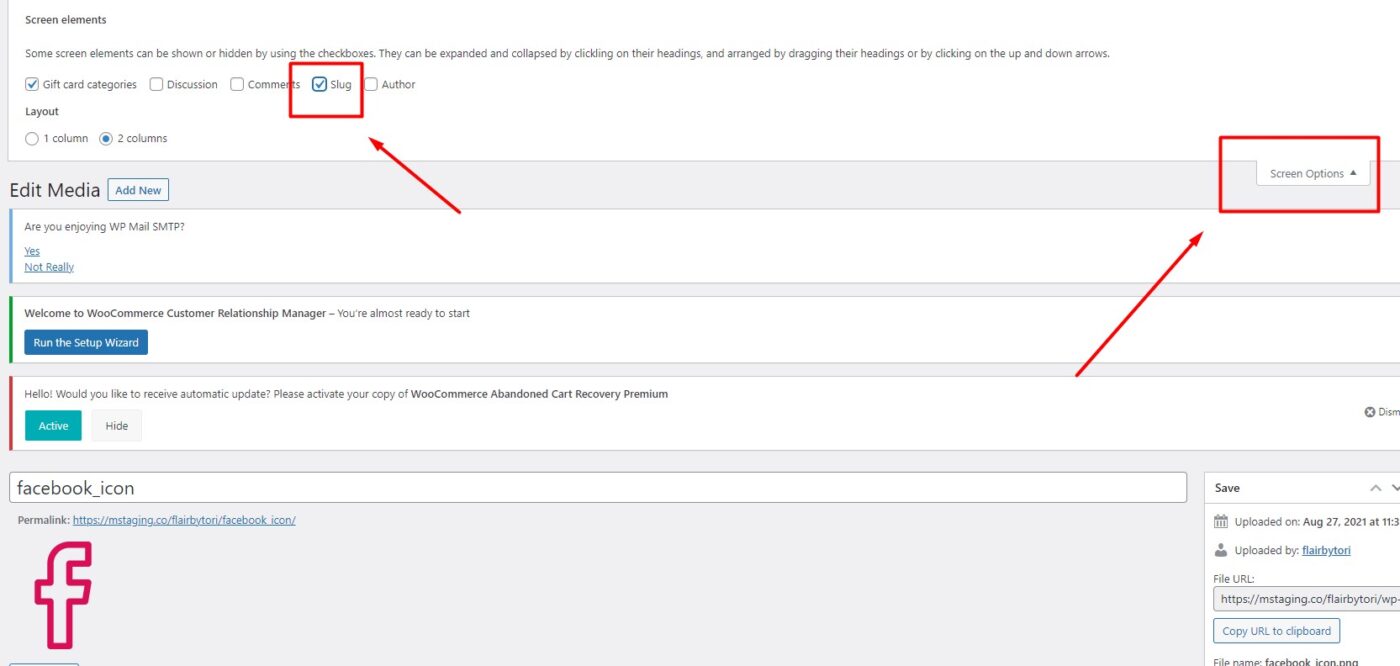
3. This will open the image in the media edit screen. Click screen option at top right, and select slug.
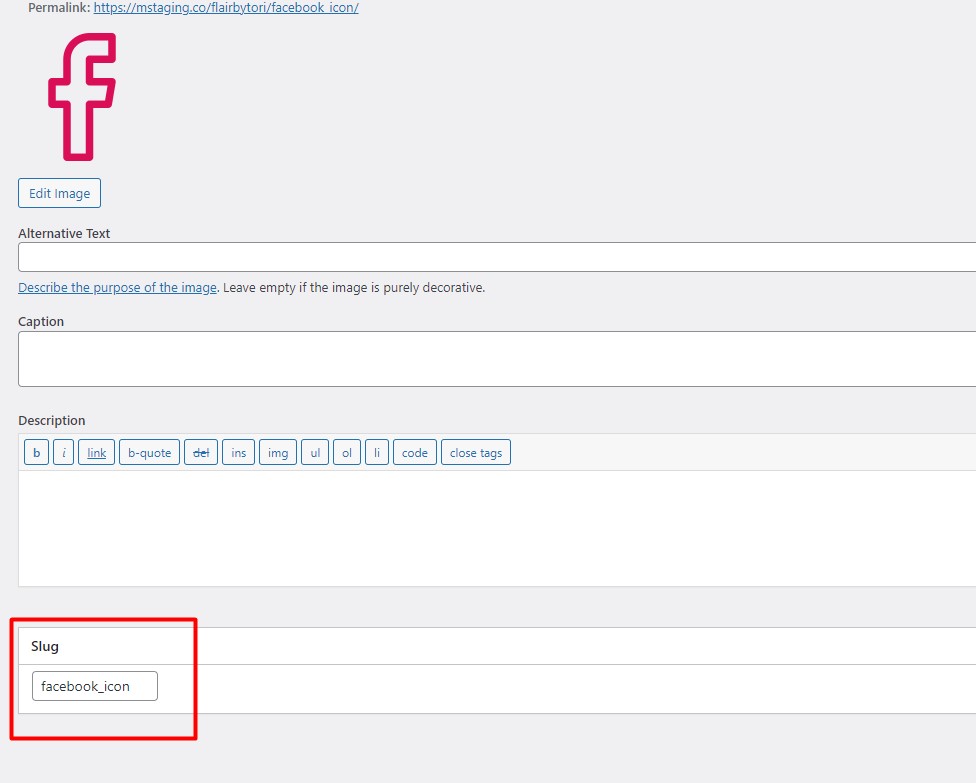
4. Scroll to the bottom, you will see the slug section. From here you can rename the file name. After that, click ‘Update’ button to save your changes. That’s all.