

Tips for Homepage Staging (Flatsome)
☆ These are compulsory elements!! ☆
1. Header
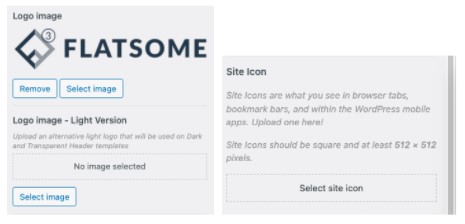
1.1. Customize > Header > Logo & Site Identity
a) Logo image
b) Logo image – light version
c) Favicon / site Icon
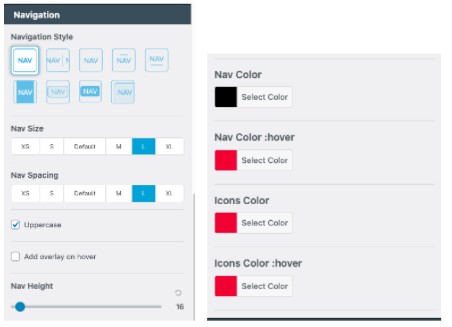
1.2. Customize > Header > Main Menu
a) Navigation size & spacing
b) Nav colour, hover, icons colour & hover
2. Style
2.1. Customize > Style > Colour
a) Primary colour & secondary colour
b) Base & headline colour
c) links + widget colour and hover colour
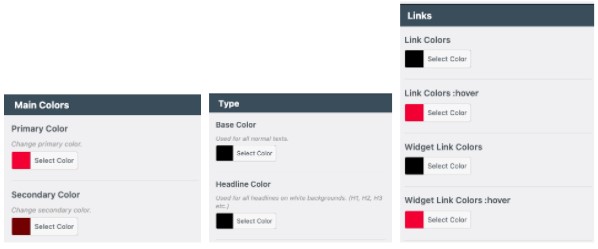
☆ Set the primary colour as your mockup’s button colour ☆
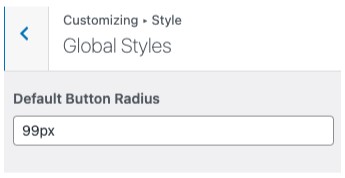
2.2. Customize > Style > Global Styles > Button radius
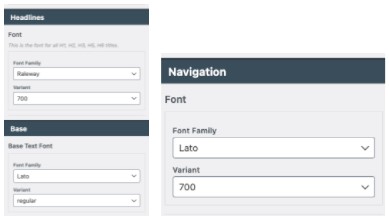
2.3 Customize > Style > Typography
a) Headlines & base (body) – font family & variant (weight)
b) Navigation – font family & variat (usually same as base)
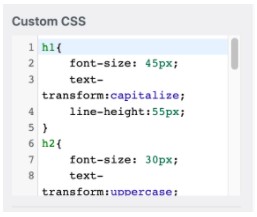
2.4 Customize > Style > Custom CSS
a) Set font sizes, text transform and line height etc. here
b) Find css here (Point 1)
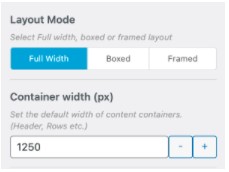
3. Layout
3.1. Customize > Layout (1200px ~ 1250px)
4. Footer
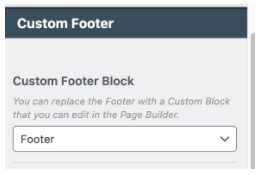
4.1. Customize > Footer: Main Footer (Custom)
a) If using ux builder to design, set as custom footer block
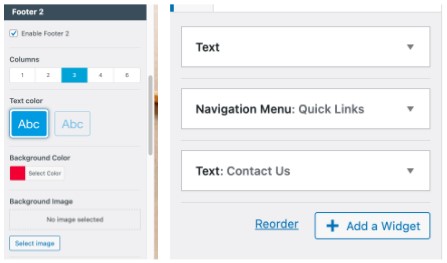
4.2. Customize > Footer: Main Footer (Non-custom)
a) Enable either Footer 1 or 2
b) Columns, colour, background colour/image
c) Add in elements in Widgets (Customize > Widgets)
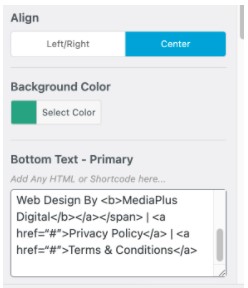
4.3. Customize > Footer: Absolute Footer
a) Align, background colour & copyright text (Find here , Point 4.3)
5. Menu
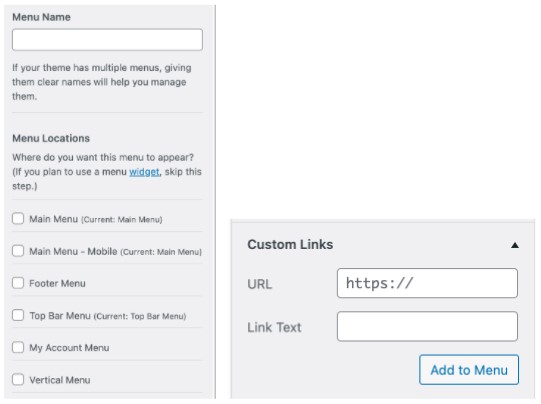
5.1. Create Main Menu
a) Set menu name
b) Add in custom links, using # for url placeholder
6. Additional CSS
6.1. Customize > Additional CSS: Find CSS here
7. Overview Checklist
a) Logo & site identity
b) Header (Main, Top & Bottom)
c) Colours
d) Button radius
e) Typography
f) Custom CSS (Font Sizes)
g) Layout
h) Footer & Absolute Footer
i) Menu
j) Additional CSS (Optional)